HTTPS Inspection
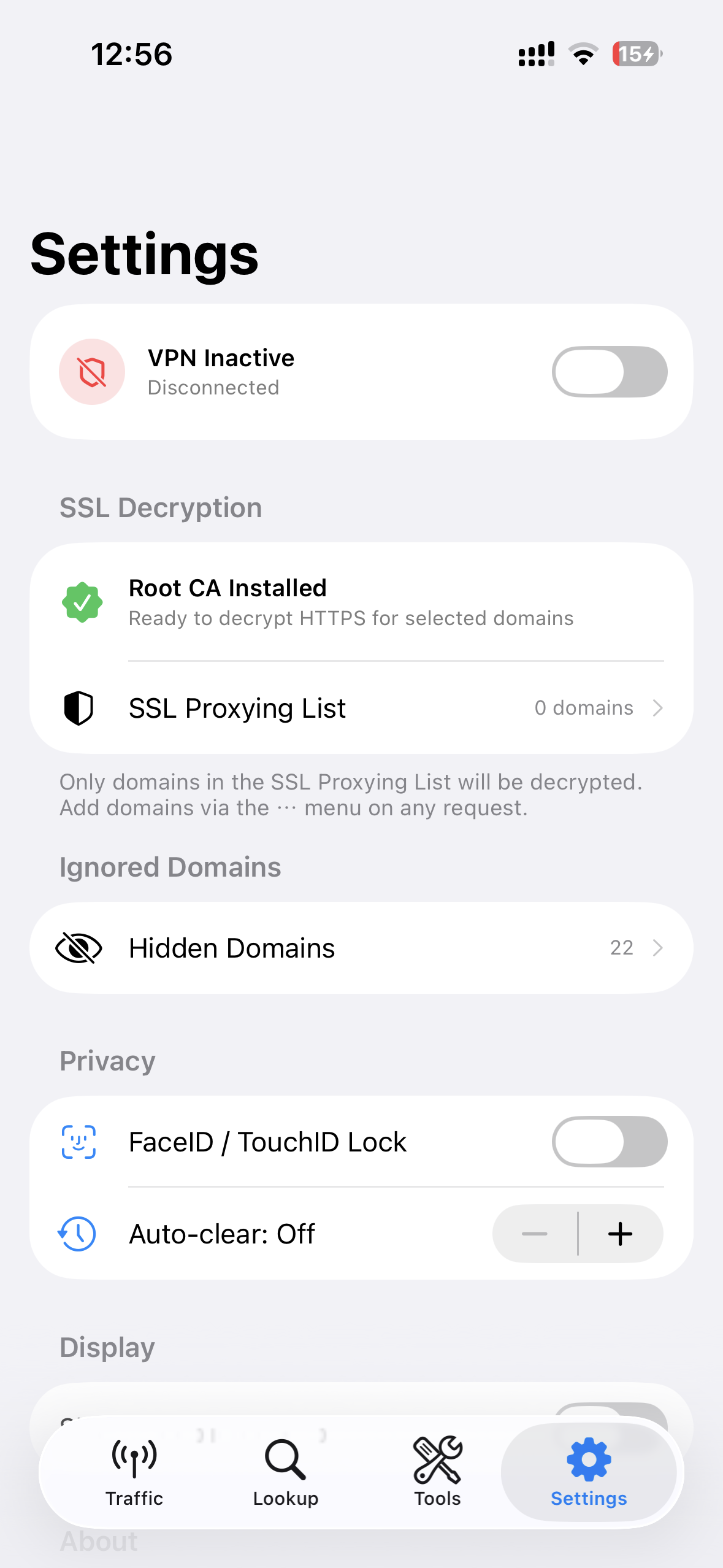
On-device certificate management. View and analyze encrypted HTTPS traffic from any app. SSL Proxying List to select which domains to analyze.

A developer tool for inspecting and analyzing HTTP/HTTPS network traffic — 100% on-device. Log, modify, and replay API requests from any app on your iPhone, iPad, or Mac. All data stays on your device.
Features
Built for iOS, iPadOS and macOS developers — inspect, log, and replay API traffic from any app. 100% local. No cloud. No data collection.
On-device certificate management. View and analyze encrypted HTTPS traffic from any app. SSL Proxying List to select which domains to analyze.
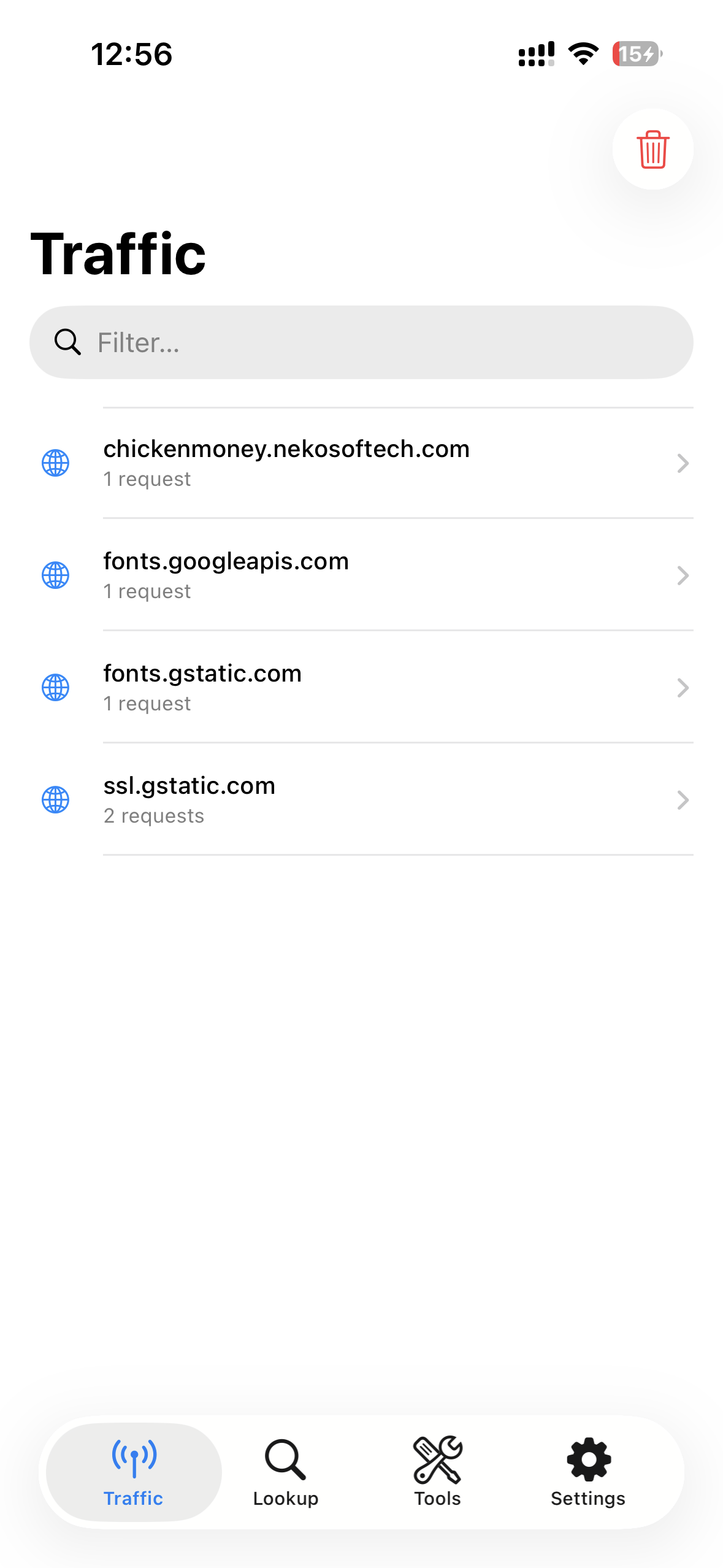
Routes all device traffic through a local on-device proxy. Capture HTTP/HTTPS from every installed app — system-wide, no configuration needed.
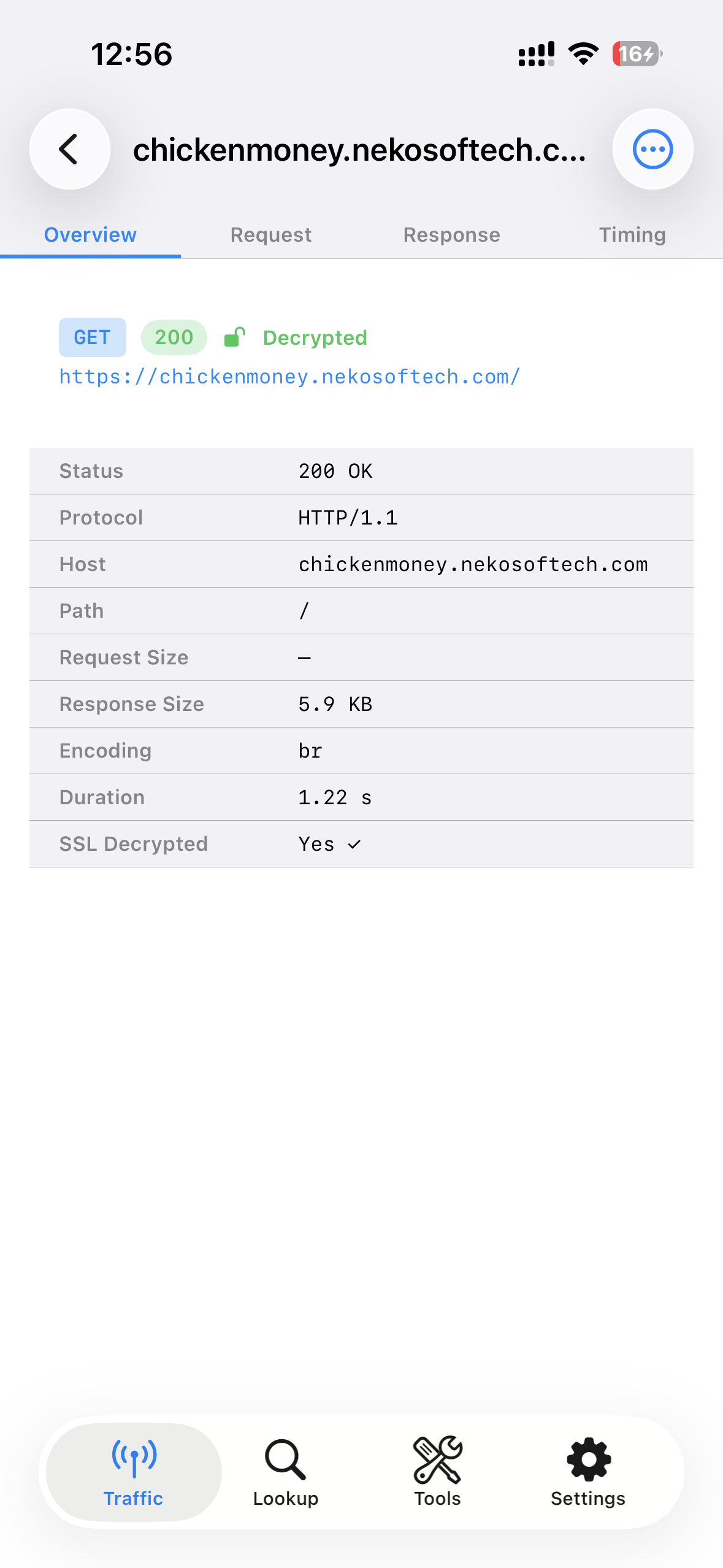
Full detail view with headers, body, status, timing. JSON Tree view, image preview, HTML preview, hex dump, and syntax highlighting.
Real-time search across URL, headers, and body content. Filter by method, status code range, content type, or domain. Pin important requests.
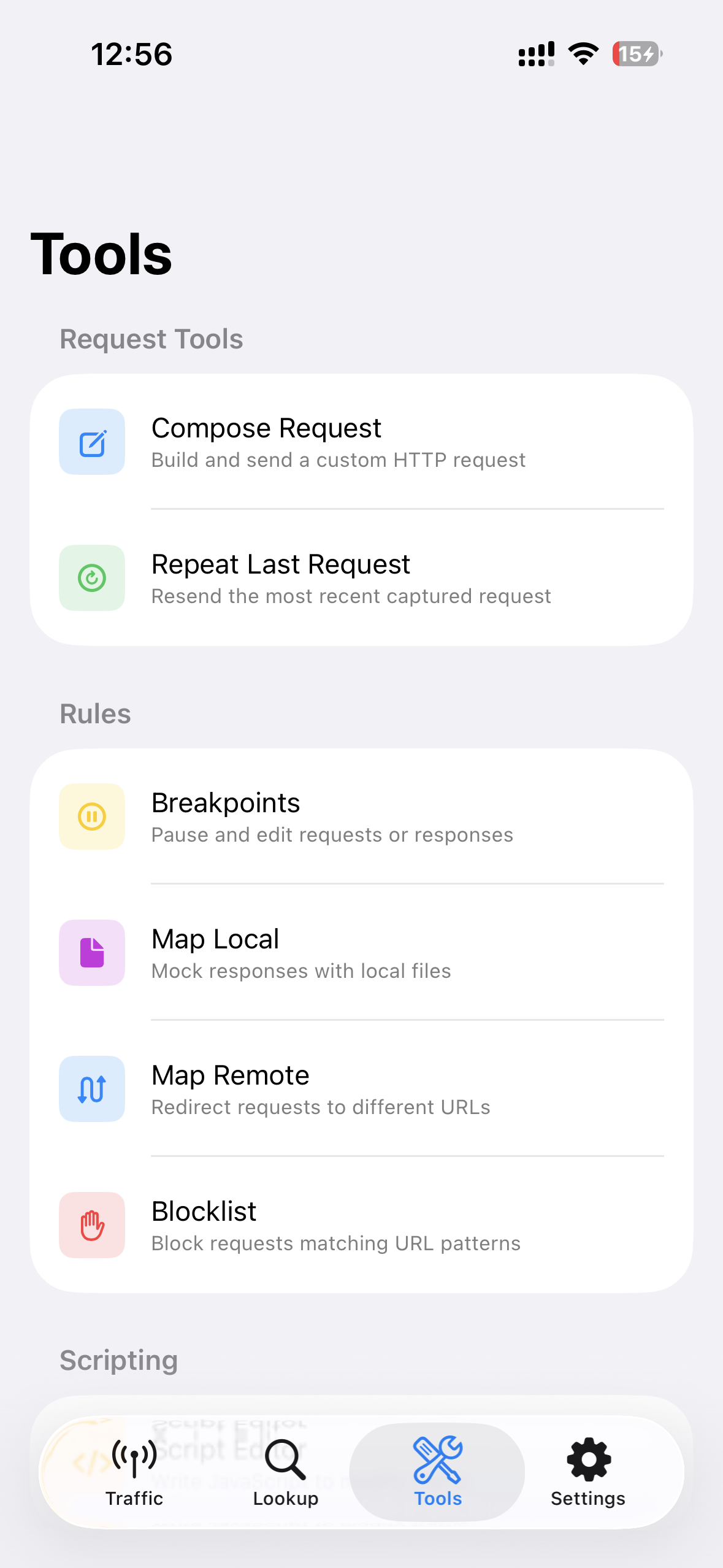
Pause and edit requests before they reach the server, or responses before they return to the app. Rule-based triggers with pattern matching.
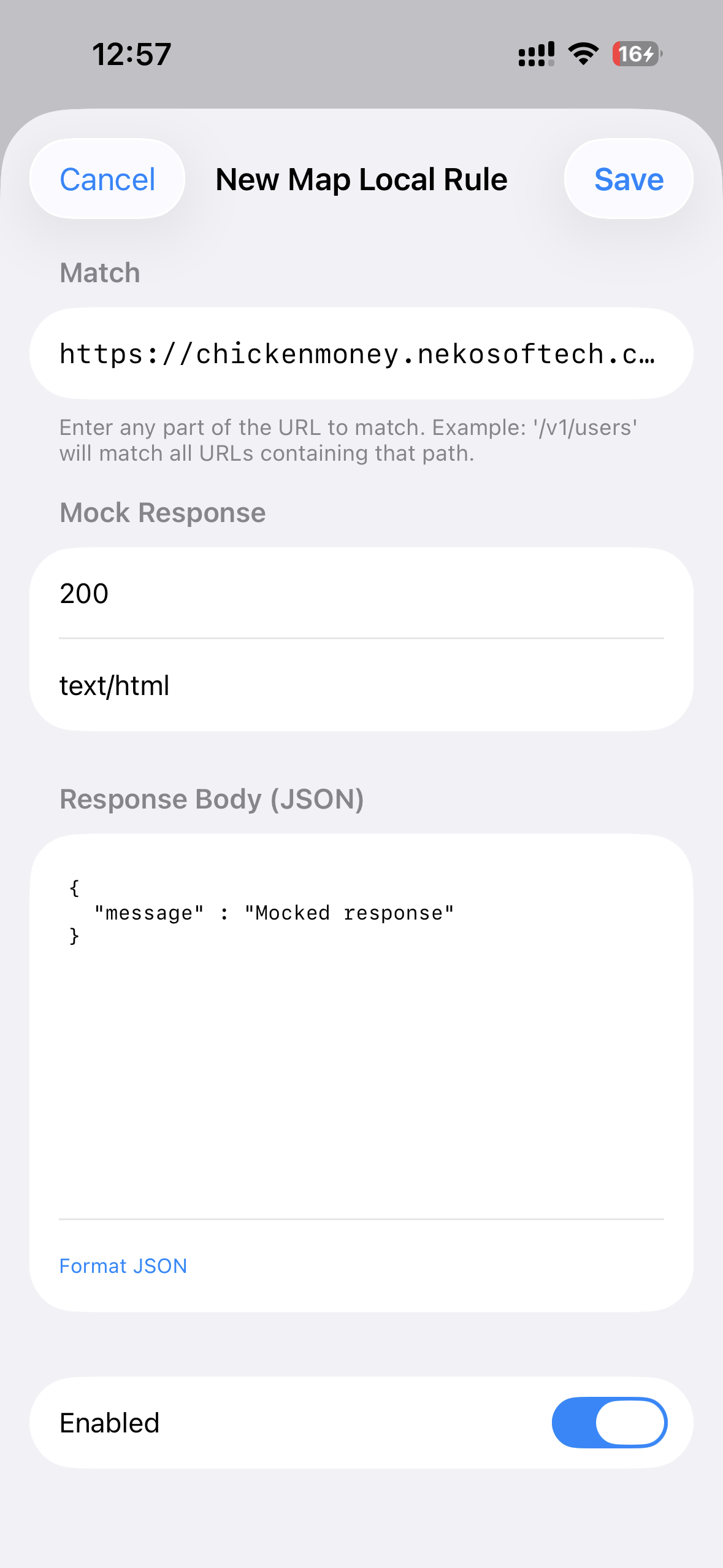
Return custom JSON/text/image responses from local files instead of hitting real servers. Override status codes and headers per rule.
Redirect requests to different hosts or URLs — perfect for pointing to staging, canary, or local servers without changing app code.
Block requests by domain or URL pattern with wildcard support. Exclusion List to skip analysis for specific apps or system services.
Build custom HTTP requests from scratch like a mini Postman. Re-send any captured request with one tap, or edit and replay it.
Write custom scripts to automate request/response modification. Inject headers, transform body content, and implement custom logic per matched rule.
Export traffic as HAR files, individual requests as cURL commands, or share via AirDrop. Save full sessions for offline review.
Built-in JWT decoder, Base64 encoder/decoder, URL decoder, form-data parser, and multipart viewer — inline in the detail panel.
A fully on-device pipeline for developers — no external server, no cloud, no data collection.
With a single tap, D Inspector activates a local VPN on your device. All network traffic is routed through the app — no external server involved.
Install the on-device certificate once. D Inspector decrypts HTTPS traffic for domains you choose, letting you see encrypted requests in plain text.
Captured requests appear instantly in the dashboard. Filter, inspect headers and body, replay requests, mock responses — all on your device.
More Views
Free for developers. 100% local. All data stays on your iPhone, iPad, or Mac.
Download Free on App Store